01 · Connect
Bring your own Codex account.
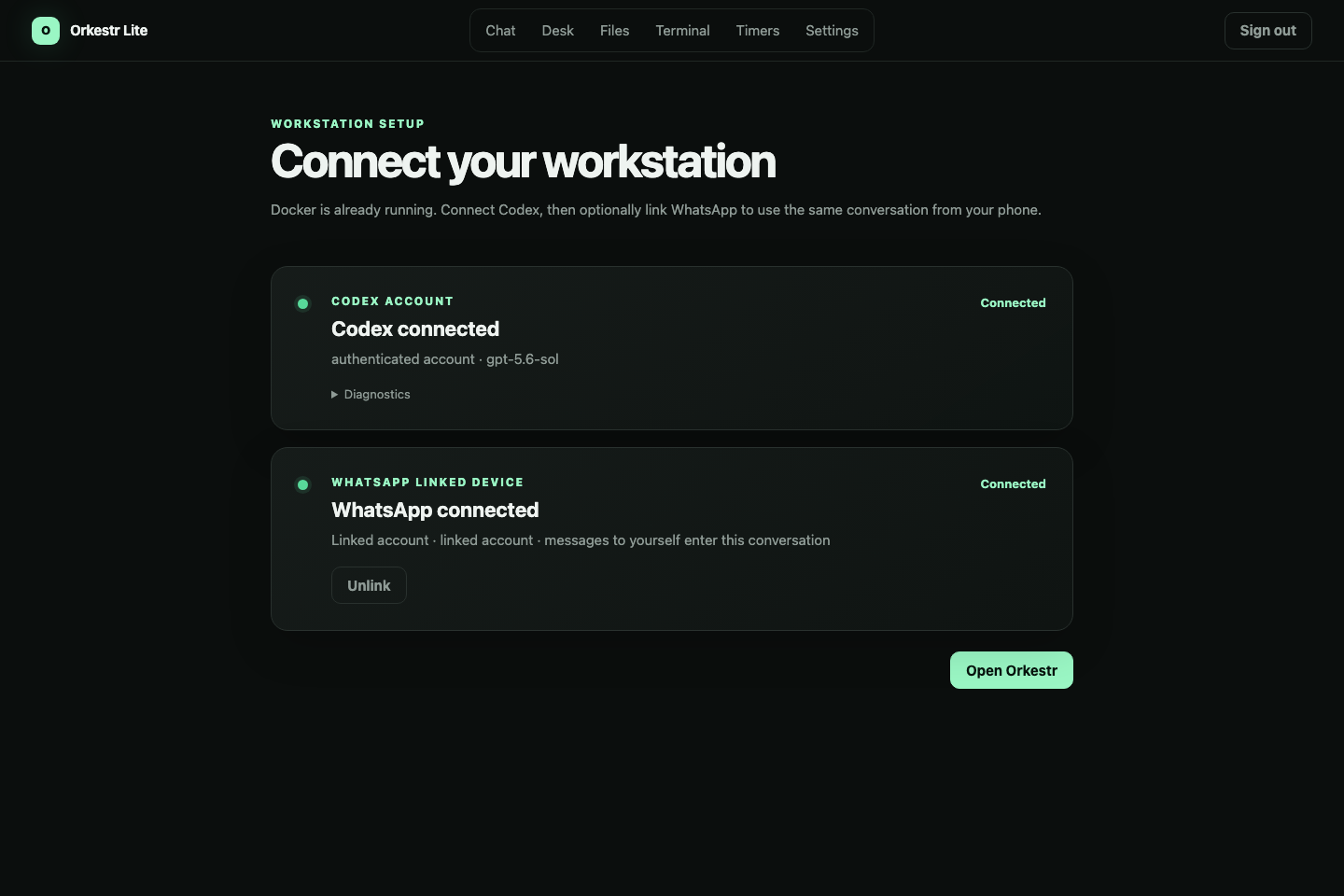
Docker is already running. Connect Codex, optionally link your own WhatsApp account, and open one private workstation. No second bot account and no public hosted agent are required.
One persistent Codex workstation you can reach from the browser or WhatsApp, trigger manually or on a schedule, and supervise through a live Ubuntu desk.
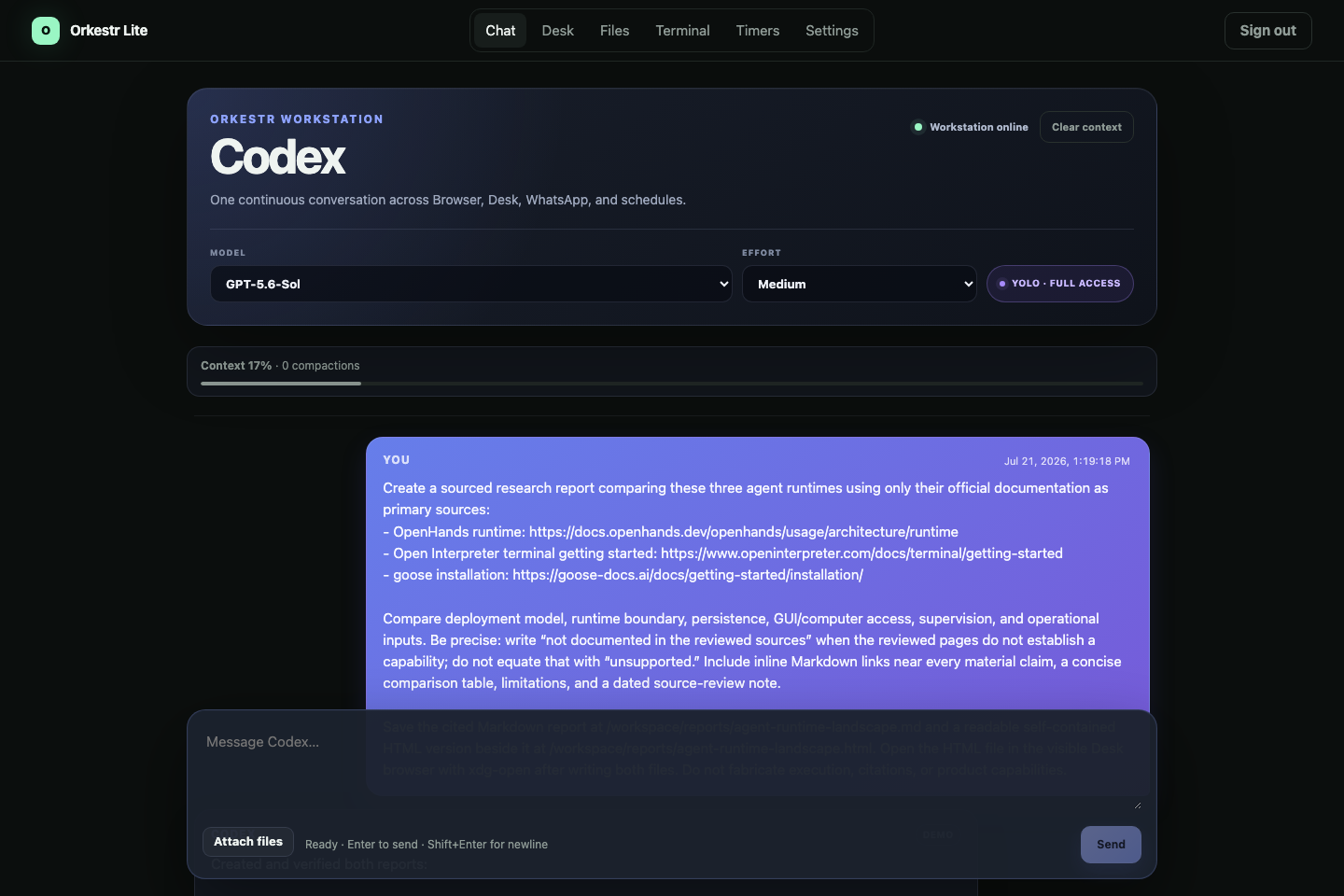
This run uses a sourced research task because it forces the whole system to work: browser research, files, a phone follow-up, and a scheduled return to the same context.
Docker is already running. Connect Codex, optionally link your own WhatsApp account, and open one private workstation. No second bot account and no public hosted agent are required.
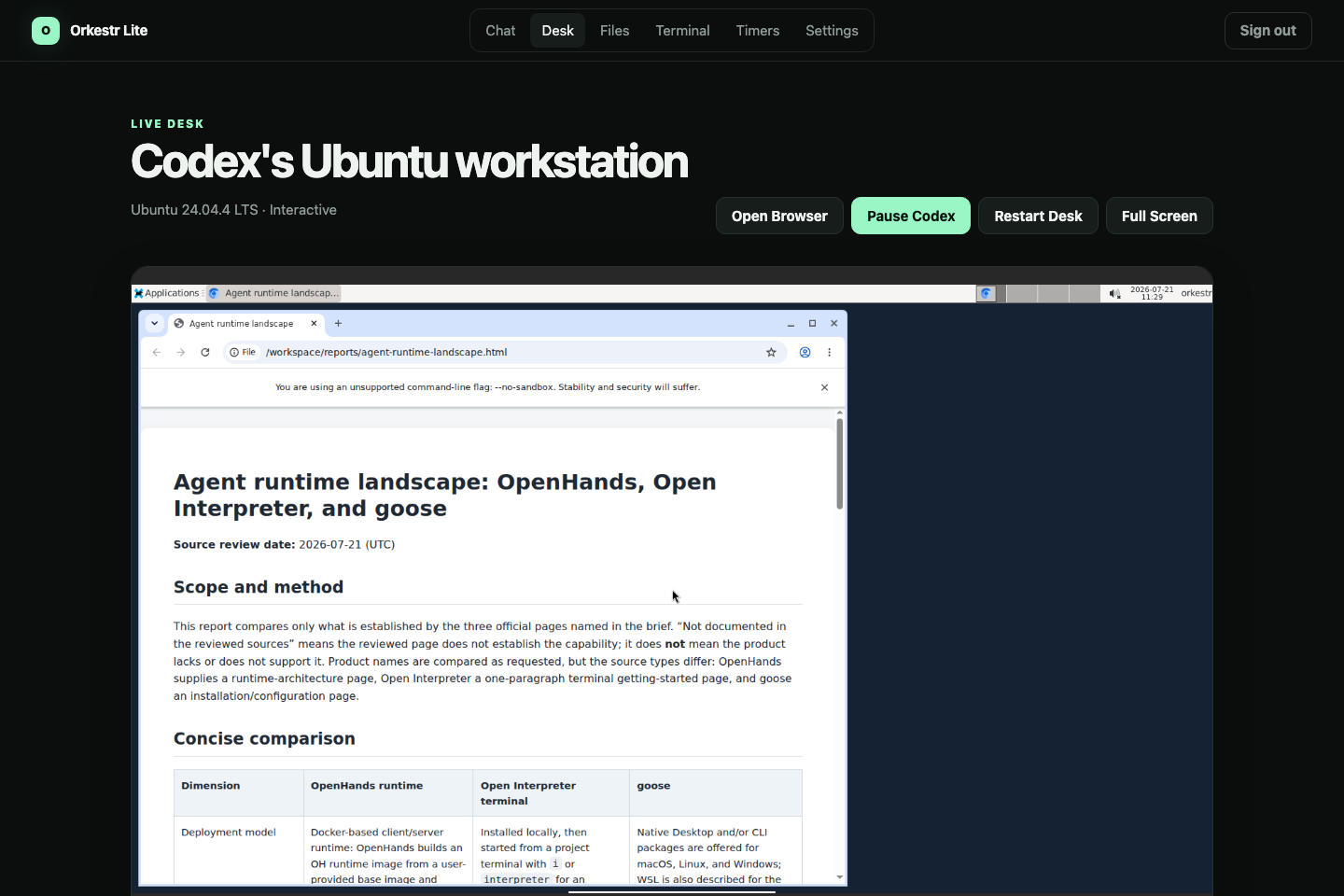
Codex works inside a persistent Ubuntu desk with Chromium, terminal access, and the shared workspace. Watch it live, pause it, or take control without breaking the conversation.
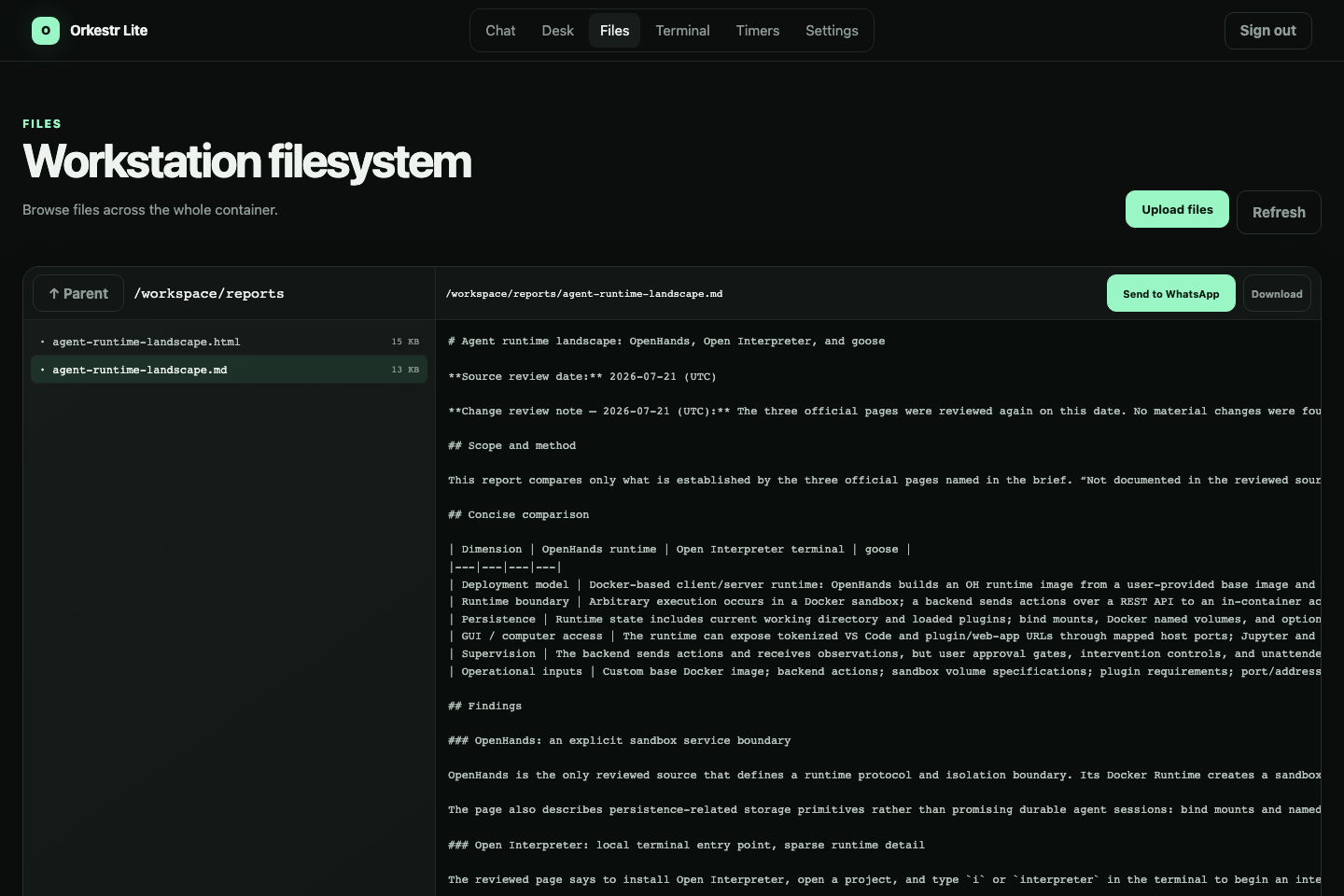
The report is not trapped in a chat reply. Its Markdown and HTML files stay in the workstation, where you can inspect, download, continue editing, or send them to WhatsApp.
Here, the user asks for a follow-up from WhatsApp. Codex keeps the existing research context, updates the report, and returns the actual Markdown file to the same chat.
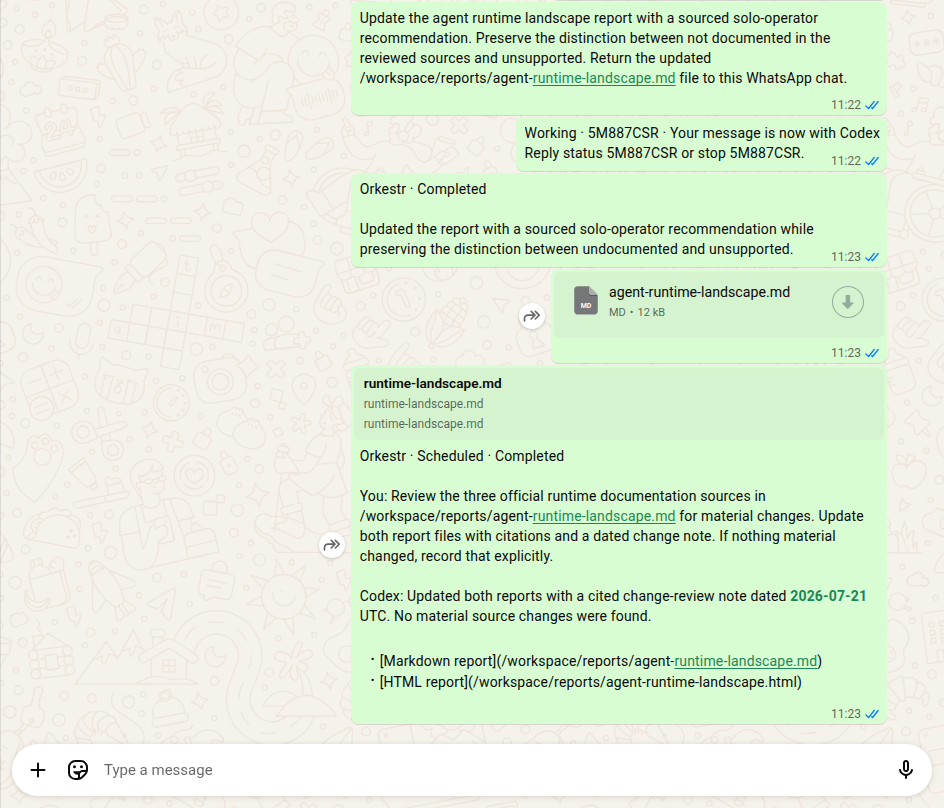
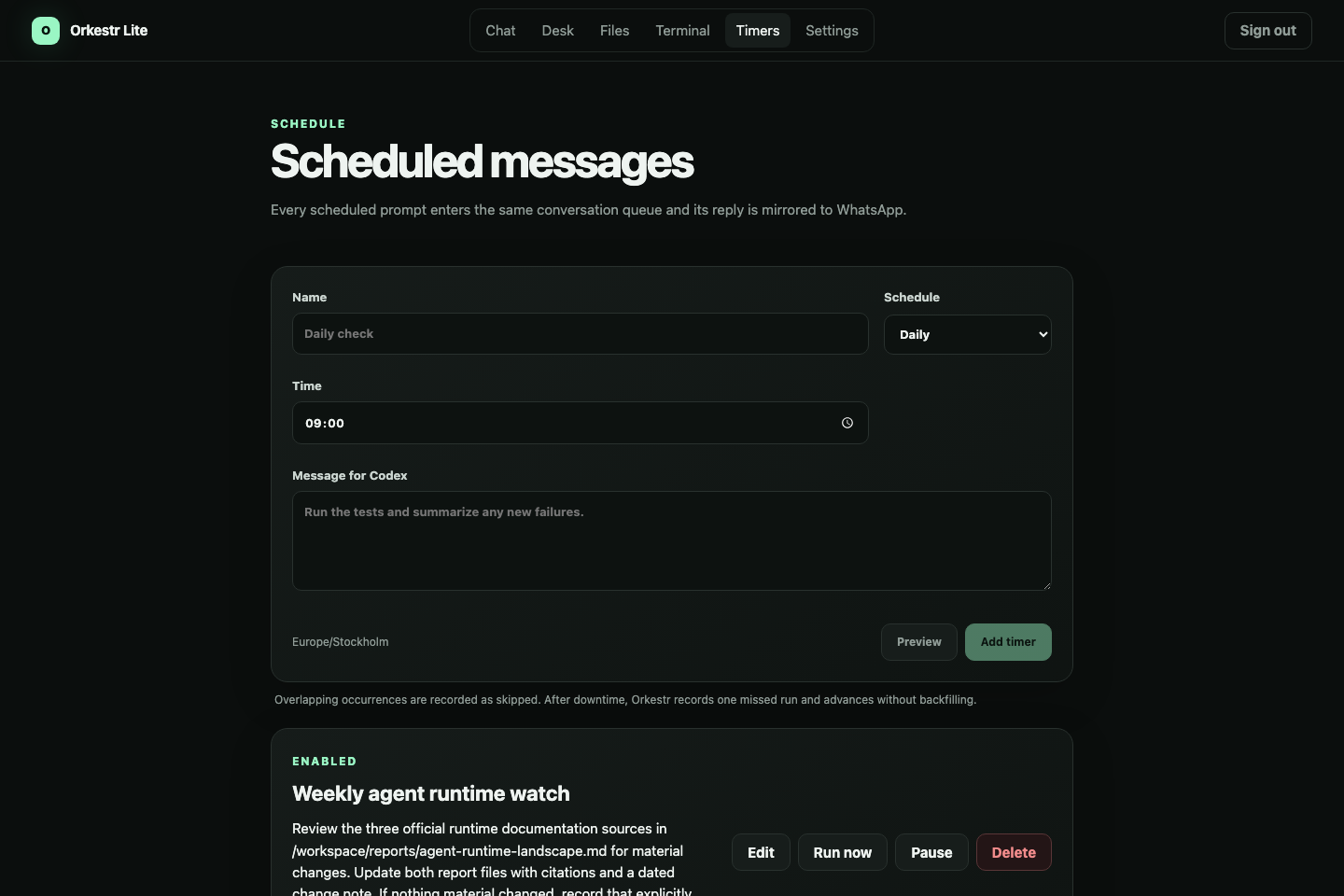
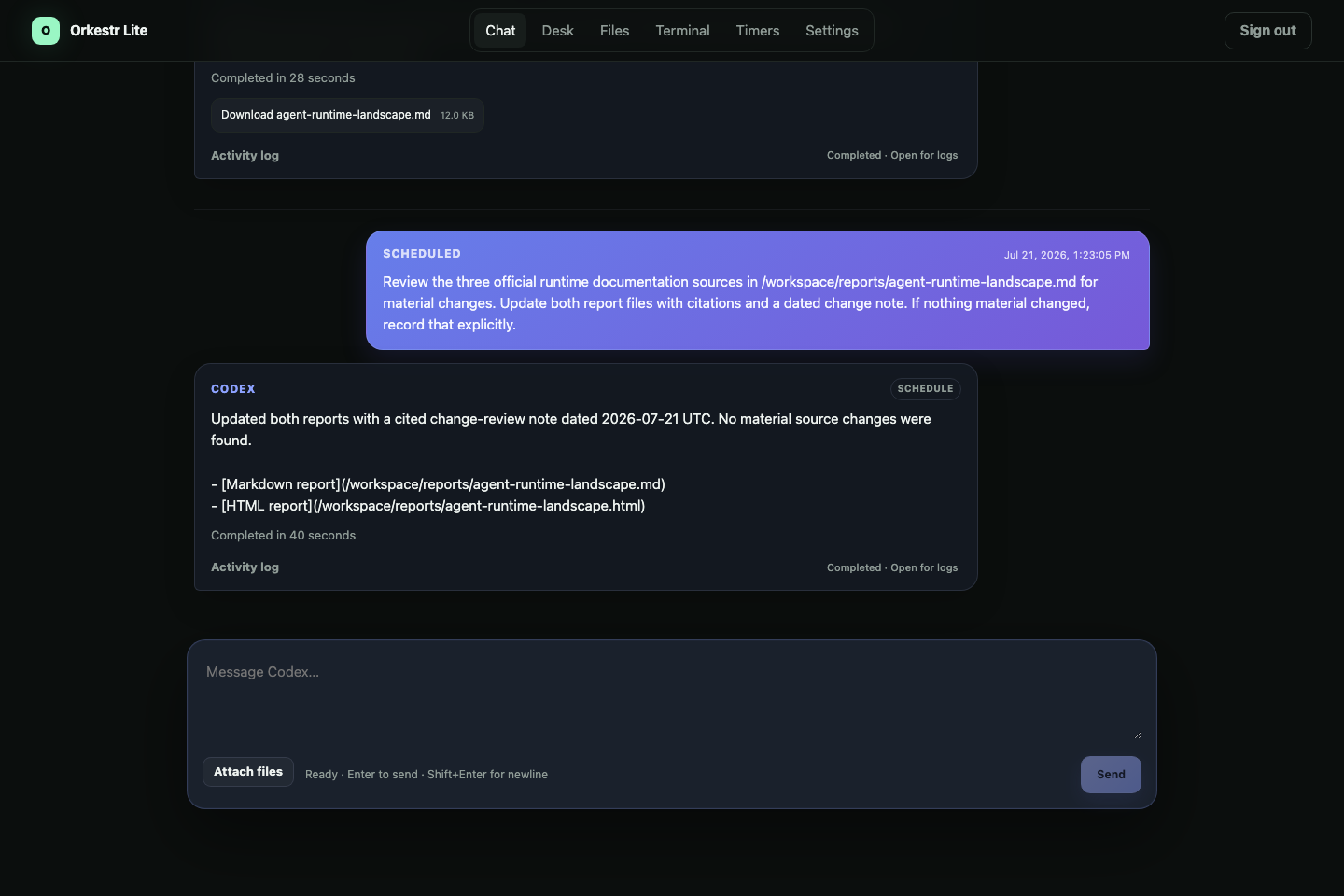
A weekly source review is scheduled and run through the same queue. The result returns to the existing conversation and is mirrored to WhatsApp. Manual requests and timers do not create disconnected agent histories.